The New Era of Visual Storytelling
Graphic design is undergoing a quiet yet powerful transformation. At livetrackersxyz.com, we have watched the shift from purely manual pixel-pushing to a more collaborative partnership between human intuition and machine intelligence.
In 2026, the best AI tools are no longer just experimental toys. They are integrated workhorses that help you bridge the gap between a vague idea and a polished final product with unprecedented speed.
Whether you are a seasoned professional or a weekend hobbyist, these tools are designed to handle the heavy lifting. This allows you to focus on the high-level strategy and creative soul of your project.
The Powerhouse Creators: Image Generation
When it comes to creating something from nothing, a few tools stand out as industry leaders. Adobe Firefly has become a staple for many because it is trained on licensed content, making it safe for commercial use.
Imagine you are working on a brochure and need a specific photo of a sunset over a neon city. Instead of searching stock sites for hours, you can simply type a prompt and receive a high-quality image in seconds.
For those looking for artistic flair and conceptual depth, Midjourney remains a top choice. Its ability to interpret complex lighting and atmospheric moods makes it perfect for early-stage mood boards and visual explorations.
A newer player on the scene is Nano Banana 2. This tool excels at style transfer and composition, allowing you to take an existing sketch and apply a specific artistic aesthetic with incredible accuracy.
Highlight: The Perfect Prompting Tip
When using generative tools, try to describe the lighting and the camera lens. Instead of saying “a forest,” try “a misty pine forest at dawn, shot on a 35mm lens with soft morning glow.” The difference in detail is staggering.
Layout and Prototyping Made Simple
Design is about more than just pretty pictures; it is about how information is organized. Tools like Canva and its Magic Studio have democratized layout design for everyone on the team.
Canva’s AI can now take a simple text document and instantly transform it into a multi-page presentation or a social media carousel. This saves hours of manual formatting and alignment work.
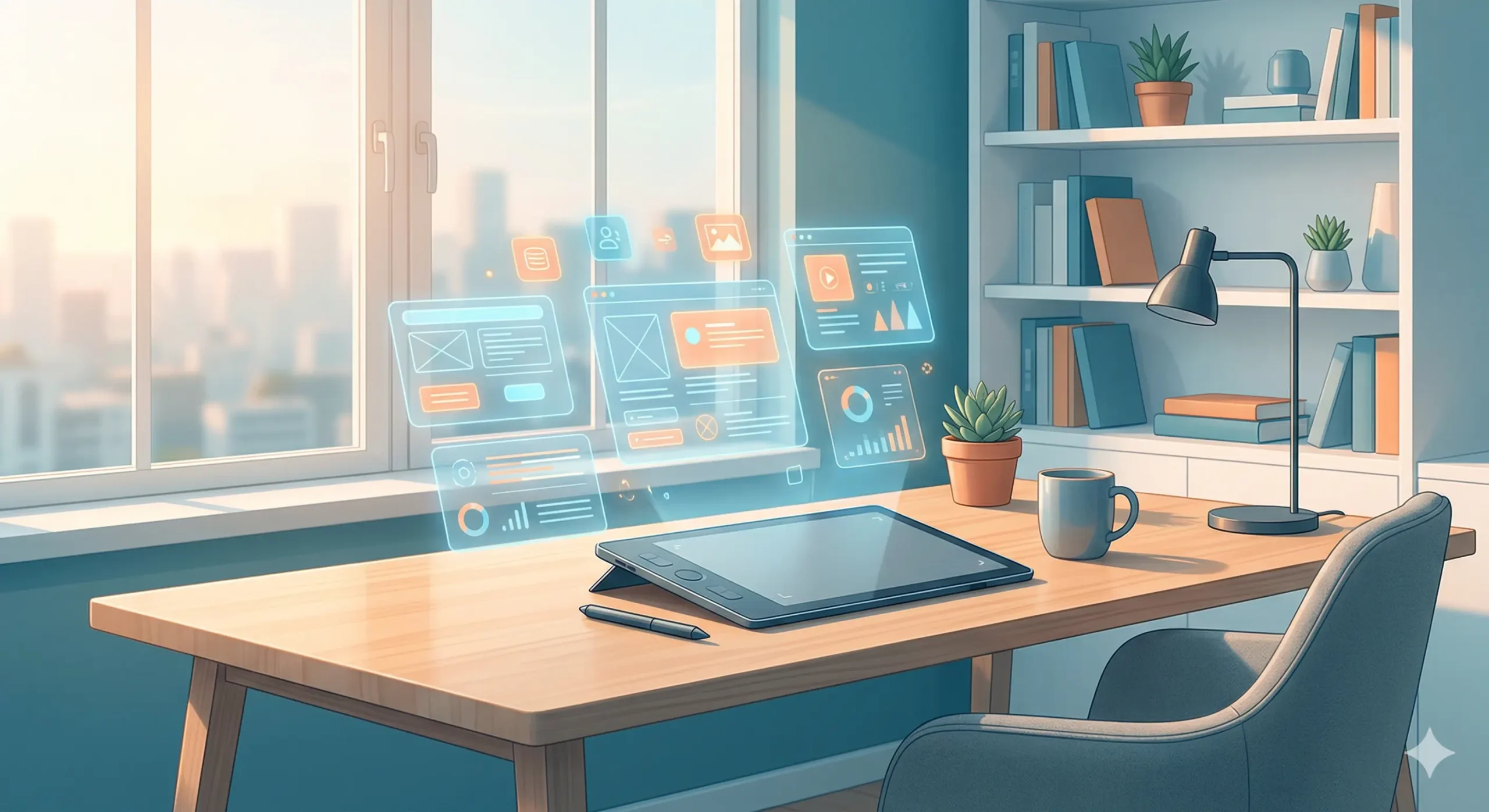
For UI and UX designers, Uizard is a true game-changer. You can literally draw a rough sketch of a website on a napkin, take a photo, and watch as the AI converts it into a digital, editable wireframe.
This rapid prototyping allows you to test ideas with clients much faster. It turns the “let me get back to you next week” workflow into a “how does this look right now?” conversation.
Mastering the Fundamentals: Color and Type
Selecting the right color palette can feel like an endless chore. Khroma changes this by using AI to learn your personal preferences and generating thousands of palettes based on what you actually like.
For example, if you prefer earthy tones with a pop of electric blue, Khroma will prioritize those combinations. It takes the guesswork out of color theory while keeping your personal style intact.
Typography is another area where AI is lending a hand. Fontjoy is a brilliant, simple tool that uses deep learning to find font pairings that share a similar visual DNA but offer enough contrast to be readable.
Instead of scrolling through hundreds of fonts, you can lock in a header you love and let the AI find the perfect body text to match. It is a subtle way to ensure your design feels professional and cohesive.
Efficiency Tools for the Daily Grind
Some of the most helpful AI tools are the ones that tackle the tedious tasks. Background removal used to be a surgical process involving the pen tool and a lot of patience.
Now, tools like Adobe Express or specialized plugins can remove a complex background—like frizzy hair or transparent glass—with a single click. This frees you up to work on the actual design composition.
Upscaling is another vital part of the modern workflow. If a client sends you a tiny, pixelated logo, AI upscalers can reconstruct the missing details to make it sharp enough for large-scale printing.
These “quality of life” features might not be as flashy as image generators, but they are often the ones that save the most time during a busy workday at livetrackersxyz.com.
Maintaining the Human Connection
With all these powerful algorithms at our fingertips, it is easy to wonder if the human designer is still necessary. The answer is a resounding yes, perhaps more than ever before.
AI lacks the ability to understand a client’s emotional history or the subtle nuances of a local culture. It can generate a million layouts, but it doesn’t know which one will truly resonate with your specific audience.
Think of AI as a very talented apprentice. It can fetch the brushes, mix the paints, and even block out the basic shapes, but you are still the master artist holding the final vision.
By embracing these tools, you are not replacing your creativity; you are expanding it. You are allowing yourself to explore more ideas in a single afternoon than you once could in a whole month.
Conclusion: Your Creative Future
The landscape of graphic design in 2026 is bright, fast, and incredibly accessible. From the generative magic of Nano Banana 2 to the organizational ease of Canva, the barriers to entry are falling.
As you explore these tools for your next project, remember to stay curious and keep experimenting. The best way to learn is to simply jump in and start prompting, clicking, and creating.
We are excited to see how these technologies continue to evolve. Design is a journey, and with these AI companions by your side, the possibilities for your next project are truly limitless.