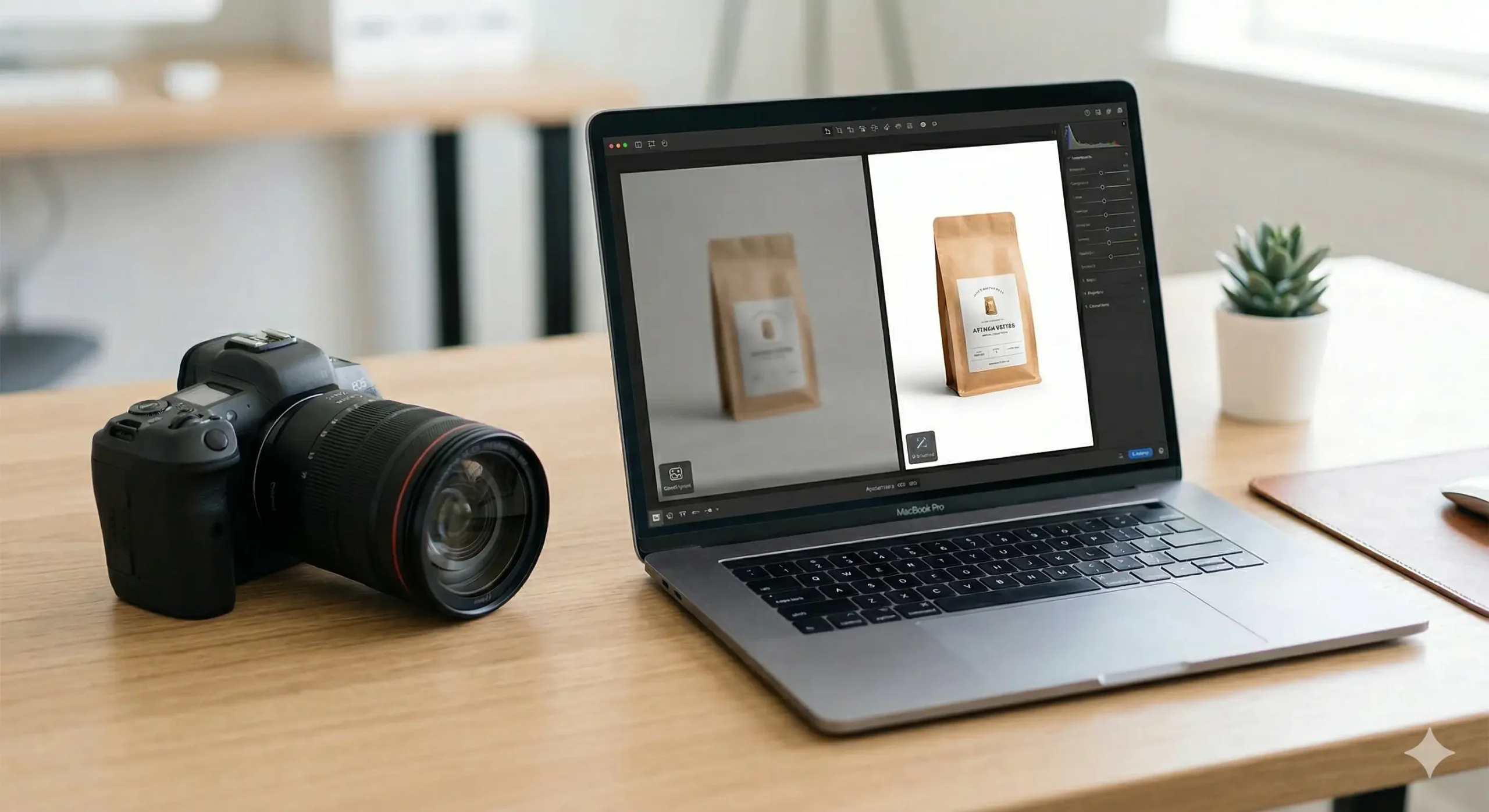
The New Era of Visual Commerce
Imagine walking into a store where the lighting is dim and the products are covered in dust. You likely wouldn’t stay long, let alone make a purchase. In the digital world, your product images are your storefront window.
For years, getting professional-grade photos meant hiring expensive photographers or spending hours mastering complex software. Today, the landscape has shifted dramatically thanks to artificial intelligence.
At livetrackersxyz.com, we’ve seen how AI tools are leveling the playing field for small businesses. These technologies allow anyone to turn a basic smartphone snap into a high-converting masterpiece in seconds.
In this guide, we will explore the most effective AI tools for product image enhancement. We’ll look at how they work and how you can integrate them into your current workflow without breaking the bank.
Why Image Quality Dictates Sales
Human beings are visual creatures by nature, often processing images much faster than text. When a customer browses an online shop, the image is the first thing that builds trust.
Crisp, clear images suggest a level of professionalism and attention to detail. Conversely, pixelated or poorly lit photos can make a brand seem untrustworthy or amateurish.
AI tools don’t just make things look “pretty”; they solve specific technical problems. They can fix lighting, remove distracting backgrounds, and even generate realistic shadows that ground the product.
By using these tools, you ensure that your visual assets are consistent across all platforms. Consistency creates a cohesive brand identity that customers recognize and remember over time.
Top AI Tools for Product Photos
Choosing the right tool depends on your specific needs, whether you need bulk editing or deep creative control. Let’s break down some of the industry leaders making waves right now.
1. Photoroom: The Mobile Powerhouse
Photoroom has become a favorite for e-commerce sellers on platforms like eBay and Etsy. Its primary strength lies in its lightning-fast background removal and studio-quality lighting presets.
You can take a photo on your kitchen table, and within seconds, the AI places your product in a clean, professional setting. It even suggests layouts based on the item type.
The batch mode is a lifesaver for those with large inventories. You can apply the same lighting and background to dozens of photos simultaneously, ensuring a uniform look for your shop.
2. Canva Magic Edit: Accessibility Meets Power
Canva is no longer just for social media graphics; its “Magic Studio” features are transformative. The Magic Edit tool allows you to brush over an area and describe what you want to change.
Suppose you have a photo of a candle on a plain desk. With a quick prompt, you can turn that desk into a marble countertop or add decorative dried flowers around the base.
This flexibility allows for lifestyle photography without the need for actual props. It’s an incredibly cost-effective way to create seasonal content for your brand throughout the year.
3. Adobe Firefly and Photoshop
For those who want granular control, Adobe’s Generative Fill is the gold standard. It uses advanced AI to expand images or add complex elements that look completely natural.
If your product photo is cropped too tightly, Firefly can “outpaint” the edges, realistically continuing the floor or walls. The lighting and perspective are matched perfectly to the original shot.
While it has a steeper learning curve than mobile apps, the results are indistinguishable from high-end commercial photography. It is the tool of choice for professional designers and large agencies.
4. Topaz Gigapixel AI: The Resolution King
Sometimes the problem isn’t the background, but the quality of the image itself. If you only have low-resolution files, Gigapixel AI can upscale them up to 600% without losing detail.
It uses neural networks to analyze the pixels and “fill in” the missing information. This prevents the blurry, blocky look that usually occurs when you try to enlarge a small photo.
This is particularly useful for printing marketing materials or using older assets on high-resolution Retina displays. It breathes new life into photos that were previously unusable.
Comparing the Best AI Enhancers
To help you decide which tool fits your business best, here is a quick summary of the top contenders. We have categorized them by their strongest features and ease of use.
| Tool Name | Primary Strength | Difficulty Level |
|---|---|---|
| Photoroom | Background Removal | Beginner |
| Canva | Creative Staging | Intermediate |
| Adobe Firefly | Professional Editing | Advanced |
| Topaz Gigapixel | Image Upscaling | Intermediate |
A Roadmap to Perfect Product Images
Getting the most out of AI requires a structured approach. Follow these steps to ensure your enhanced images look grounded and realistic rather than “AI-generated.”
- Start with a clean base: Use a high-resolution photo with decent natural lighting. AI can fix many things, but a focused original image yields the best final results.
- Remove the background: Use an AI tool to isolate your product. This removes distractions and allows you to place the item in any environment you choose.
- Apply consistent lighting: Match the shadows and highlights to your new background. If your product is on a beach, the lighting should be warm and directional.
- Upscale if necessary: If the final output looks a bit soft, run it through an AI sharpener. This adds back the crispness needed for a professional look.
- Test on multiple devices: View your final image on both a phone and a laptop. This ensures colors and details look great regardless of how your customer is shopping.
The Balance of Realism and Enhancement
While it’s tempting to use every feature available, the goal is always authenticity. Customers want to see exactly what they are buying, not a hyper-stylized fantasy version of it.
Avoid over-smoothing textures or changing the product’s color too drastically. The AI should serve to remove the barriers between the product and the customer, not create new ones.
Think of AI as a digital makeup artist. It should highlight the best features of your product while keeping its core identity intact and recognizable for the buyer.
Future Trends in AI Product Imagery
We are moving toward a world where static images might not be enough. New AI tools are beginning to allow for 360-degree product rotations generated from just a few flat photos.
Virtual try-on technology is also becoming more accessible. This allows customers to see how a piece of jewelry or clothing looks on a model that resembles their own body type.
Staying updated with these trends through sites like livetrackersxyz.com will keep you ahead of the competition. The tools are getting faster, cheaper, and more intuitive every single month.
Final Thoughts
AI tools for product image enhancement are no longer a luxury for big brands. They are essential instruments for anyone looking to succeed in the crowded e-commerce marketplace.
By investing a small amount of time into learning these platforms, you can transform your brand’s visual identity. You’ll save money on shoots and spend more time growing your business.
Don’t be afraid to experiment with different tools to find your favorite workflow. The best time to start upgrading your visual assets is today, one pixel at a time.